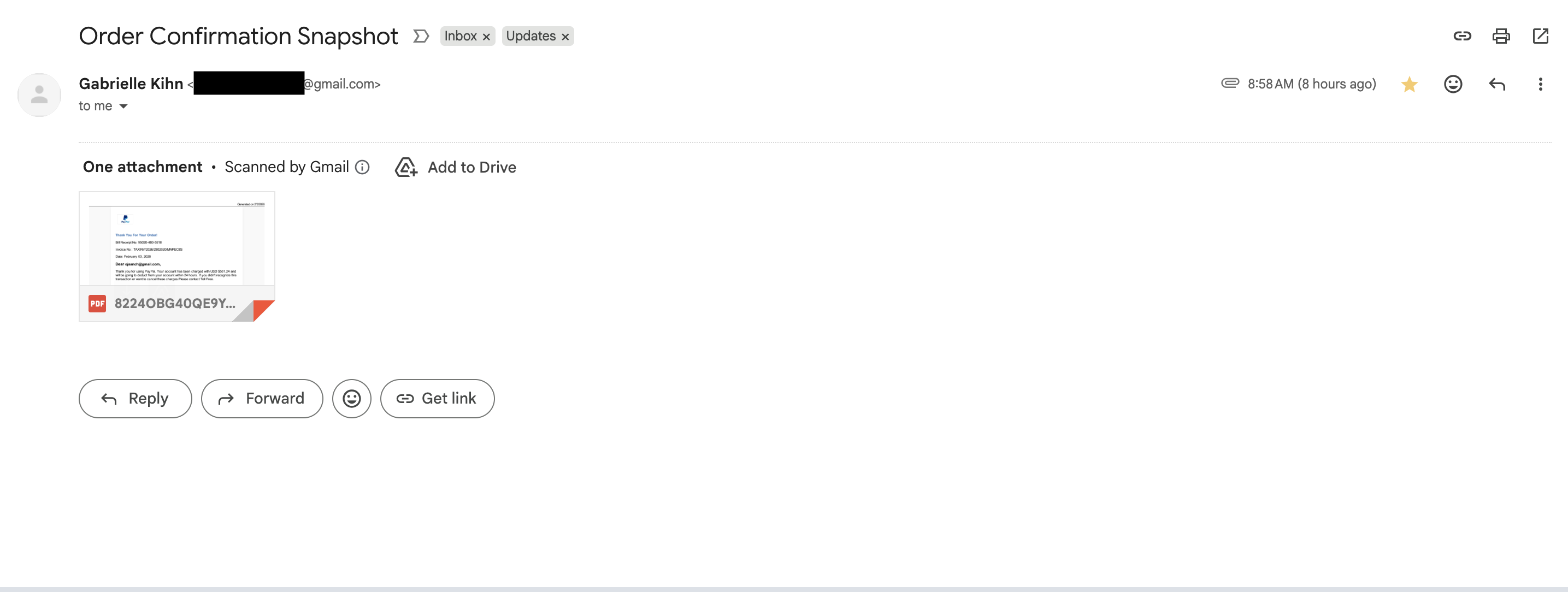
Scenario: I received a suspicious email that includes an attachment. I want to extract and inspect it without opening the file or rendering it in a browser.
This is part of a series. Part 1 covers .eml triage commands. Part 2 focuses on attachment extraction and static analysis.
View series
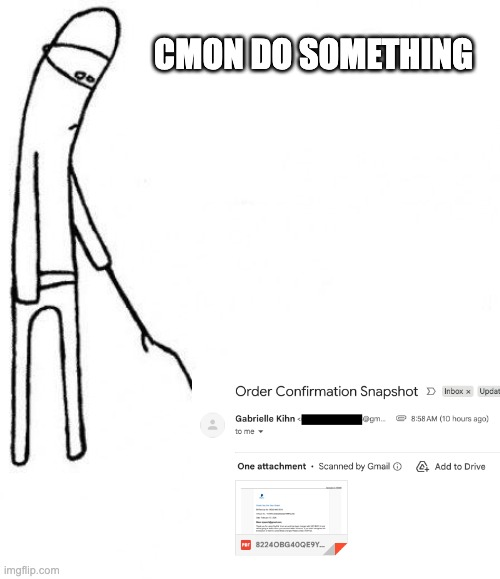
The image above is about a phishing email I was really excited to triage but turned out to be useless! This still served as good practice for the real thing though.
TL;DR
- Extract the attachment without opening it.
- Identify + hash the file.
- Perform static checks based on file type.
1) Confirm attachments exist
grep -nEi 'content-disposition:|filename=' suspicious-email.eml
Objective: confirm there is at least one attachment and capture filenames.
Why: you need to know what to extract before touching the payload.
2) Extract attachments (safe options)
Option A: ripmime (recommended if installed)
mkdir -p attachments
ripmime -i suspicious-email.eml -d attachments
Objective: safely unpack MIME parts without rendering them.
Why: ripmime preserves raw parts and avoids client-side execution paths.
Option B: munpack (alternative)
mkdir -p attachments
munpack -q -f -C attachments suspicious-email.eml
Objective: unpack MIME parts into a dedicated folder.
Why: works on many systems where ripmime is not available.
Option C: manual extraction (last resort)
- Identify the boundary:
grep -nEi '^content-type:|^--' suspicious-email.eml | head -n 40
- Copy the base64 block into a file (no previewing).
- Decode it:
base64 -d attachment.b64 > attachment.bin
Objective: extract the payload without rendering it.
Why: keeps you in control even when no tools are installed.
3) Identify and hash the extracted file
file attachment.bin
sha256sum attachment.bin
ls -l attachment.bin
Objective: confirm file type, size, and generate a stable hash.
Why: file type drives the analysis path, and hashes enable IOC tracking.
4) Static analysis by file type
pdfinfo attachment.bin
strings -n 8 attachment.bin | rg -n "(http|https|/JS|/JavaScript|/OpenAction|/Launch|/EmbeddedFile|/XFA)"
Objective: look for active content, links, or embedded files.
Why: many malicious PDFs rely on JavaScript, Launch actions, or embedded objects.
Office documents (DOCX, XLSX, PPTX)
zipinfo -1 attachment.bin | head -n 50
strings -n 8 attachment.bin | rg -n "(macro|vba|powershell|cmd.exe|wscript|cscript|http|https)"
Objective: check for macro-enabled content or suspicious references.
Why: macro abuse is a common payload path.
Archives (ZIP, RAR, 7z)
7z l attachment.bin | head -n 50
Objective: list contents without extracting them.
Why: nested archives are used to evade scanners and delay execution.
Images (JPG, PNG)
exiftool attachment.bin
strings -n 8 attachment.bin | rg -n "(http|https)"
Objective: inspect metadata and obvious URLs.
Why: steganography is possible, but most lures are simple.
Outcome checklist
- File extracted without opening it
- File type and hash recorded
- Static checks completed for the file type
- Decision made: safe to archive, or escalate to sandbox detonation
Notes
- If anything looks suspicious (macros, embedded files, external URLs), stop and move to a sandboxed detonation workflow.
- If you must open the file, use a non-networked VM snapshot and revert after analysis.
- Keep the original .eml intact to preserve basic chain-of-custody.